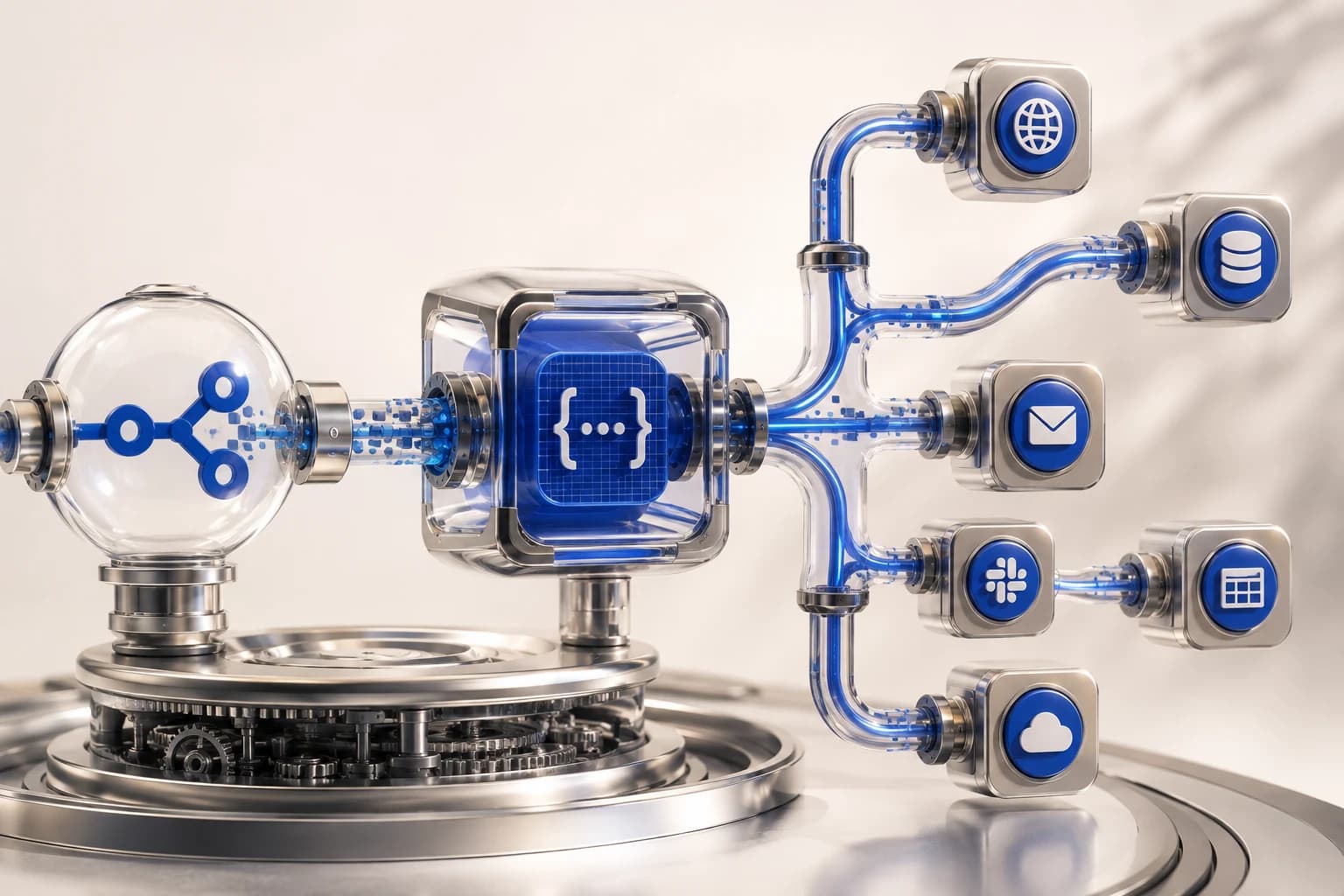
“Automation is not laziness. It is the essence of engineering.”
From repetitive marketing work to complex data pipelines. We examine N8N’s architecture and practical applications in depth, going beyond the limits of no-code.
Why should we pay attention to N8N?
In modern business, Speed means survival. Excellent no-code tools such as Zapier and Make (formerly Integromat) exist, but when enterprise-level logic grows complex or data security in a self-hosted environment matters, we inevitably encounter the powerful solution that is N8N.
N8N is not merely a connector. It is a Workflow Orchestration Engine. Behind its intuitive node-based UI lives a powerful Node.js runtime. The flexibility to manipulate JSON freely and implement seemingly impossible logic through JavaScript is why tens of thousands of engineers and growth hackers worldwide are enthusiastic about N8N.
1. Understanding the architecture: nodes and JSON
All N8N data flows consist of arrays of JSON objects. Understanding this fundamental structure is the first step toward using it fully.
- Trigger Node: The heart of a workflow. It may be a webhook call, time-based scheduling (Cron), or an app event such as receiving a Slack message.
- Function Node (Code Node): The alpha and omega of N8N. It executes pure JavaScript to transform, filter, and merge data.
- Integration Node: More than 200 built-in service integration nodes. Control Google Sheets, Notion, OpenAI, and more without reading API documentation.
return items.map(item => {
  return {
    json: {
      userId: item.json.id,
      fullName: `${item.json.firstName} ${item.json.lastName}`,
      timestamp: new Date().toISOString()
    }
  }
});
The code above looks simple, but it can form part of a powerful pipeline receiving thousands of customer records in real time and converting them into a standardized format.
2. A practical pattern: marketing automation with webhooks
Consider a common yet powerful use case: adding customer information collected through Facebook Lead Ads to a CRM and sending a Slack notification to the sales team.
Phase 1: Data collection (Webhook)
Create an N8N webhook URL and register it in Facebook Ads Manager. Each new lead sends a JSON payload to our server in real time. Because this is event-driven rather than polling, latency approaches '0'.
Phase 2: Data branching (Switch/If Node)
Not all leads have the same value. Branching is needed according to the customer’s budget range or interests.
- VIP customers: Immediately send an SMS to the head of sales (Twilio Node).
- General inquiries: Automatically send a welcome email (Gmail/SES Node), then store the record in a Notion DB.
Tip: Use the 'Merge Node' to reunite branched flows for final logging. This dramatically improves workflow debuggability.
3. Error handling and production operating strategies
"Make it work, make it right, make it fast."
Prototypes focus on getting things to work; in production, avoiding failure matters more. N8N offers enterprise-grade error handling.
Error Trigger (Error Workflow)
An 'Error Workflow' can be specified in workflow settings. If an API timeout or parsing error occurs in the main logic, that workflow executes immediately. Developers can send the error stack trace to Slack or run Retry logic there.
Managing Execution History
A benefit of the Self-hosted version is the freedom to set data-retention policies. However, hundreds of thousands of execution logs quickly consume database capacity. Optimize resources with periodic Pruning, for example keeping successful logs for seven days and failed logs for thirty.
4. Combining with AI Agents: LangChain
N8N has now moved beyond simple rule-based automation. LangChain nodes allow an LLM (Large Language Model) to participate as a workflow decision-maker.
For example, an incoming customer-support ticket can follow this flow:
- Receive an email (Trigger).
- OpenAI GPT-4 analyzes the content and sentiment (Code/AI Node).
- If the customer is angry, apply an 'urgent' tag and call a manager.
- For a simple inquiry, use RAG (retrieval-augmented generation) to consult technical documents and automatically write a reply Draft.
This entire process becomes an 'AI employee' system running twenty-four hours a day, 365 days a year, without human intervention.
Closing: Design an automated future
Mastering N8N is not simply learning another tool. It means entering the realm of digital alchemy: defining business processes in code and using systems to make scale limitless and cost approach '0'.
Is your business growing automatically, or barely being sustained by someone’s hard work? Start now, from the smallest repetitive task to the largest business logic. N8N will be the strongest engine on that journey.